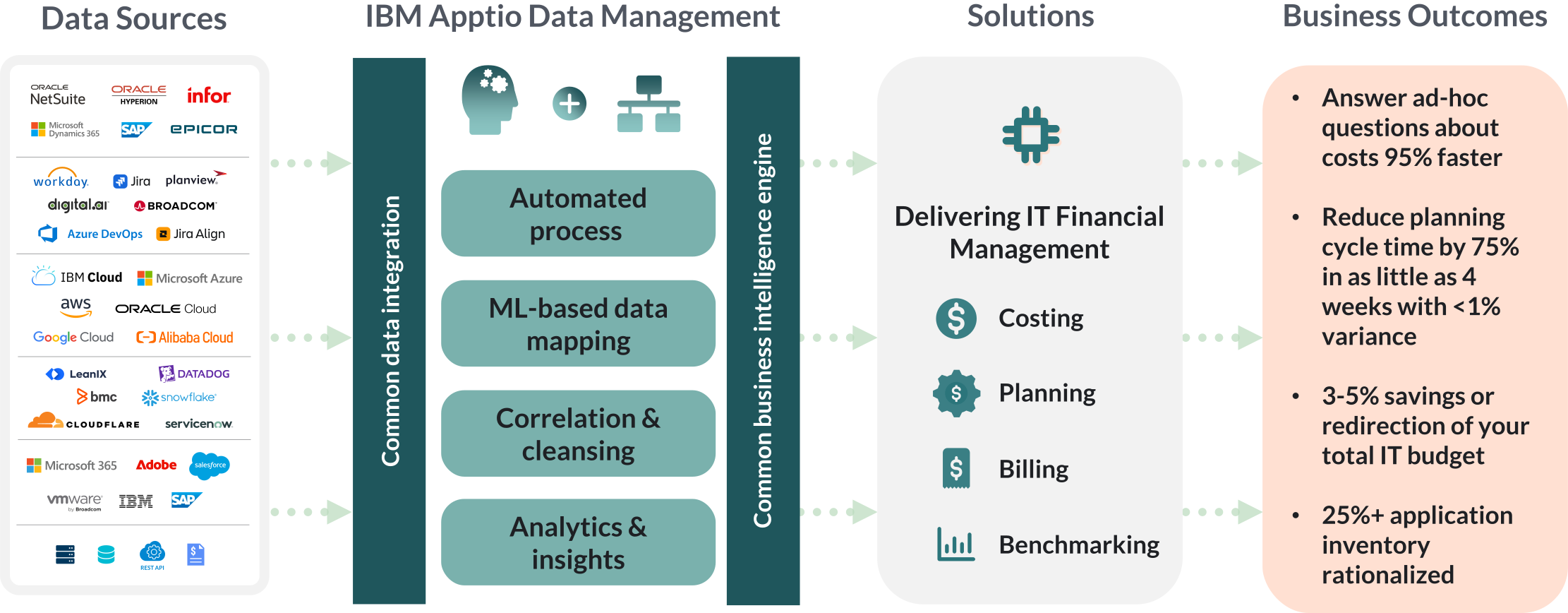
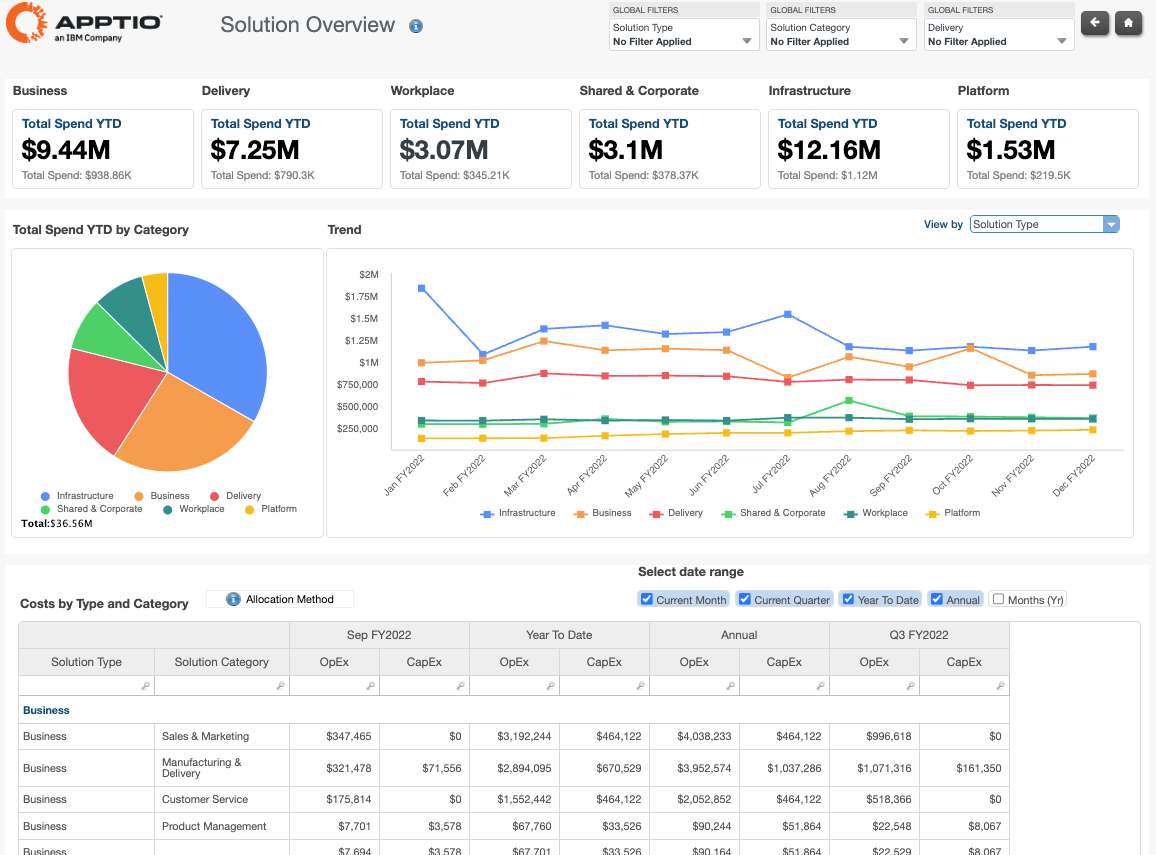
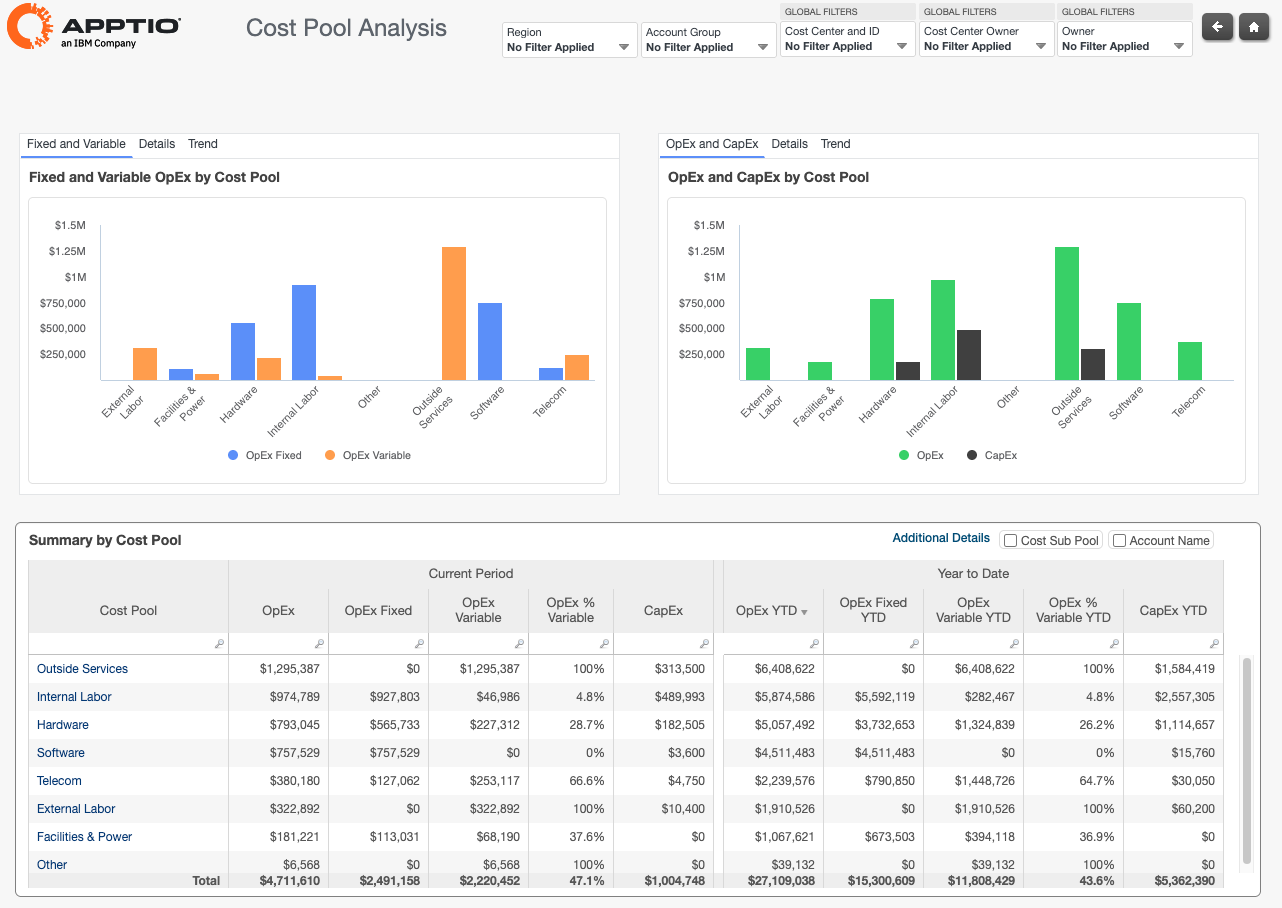
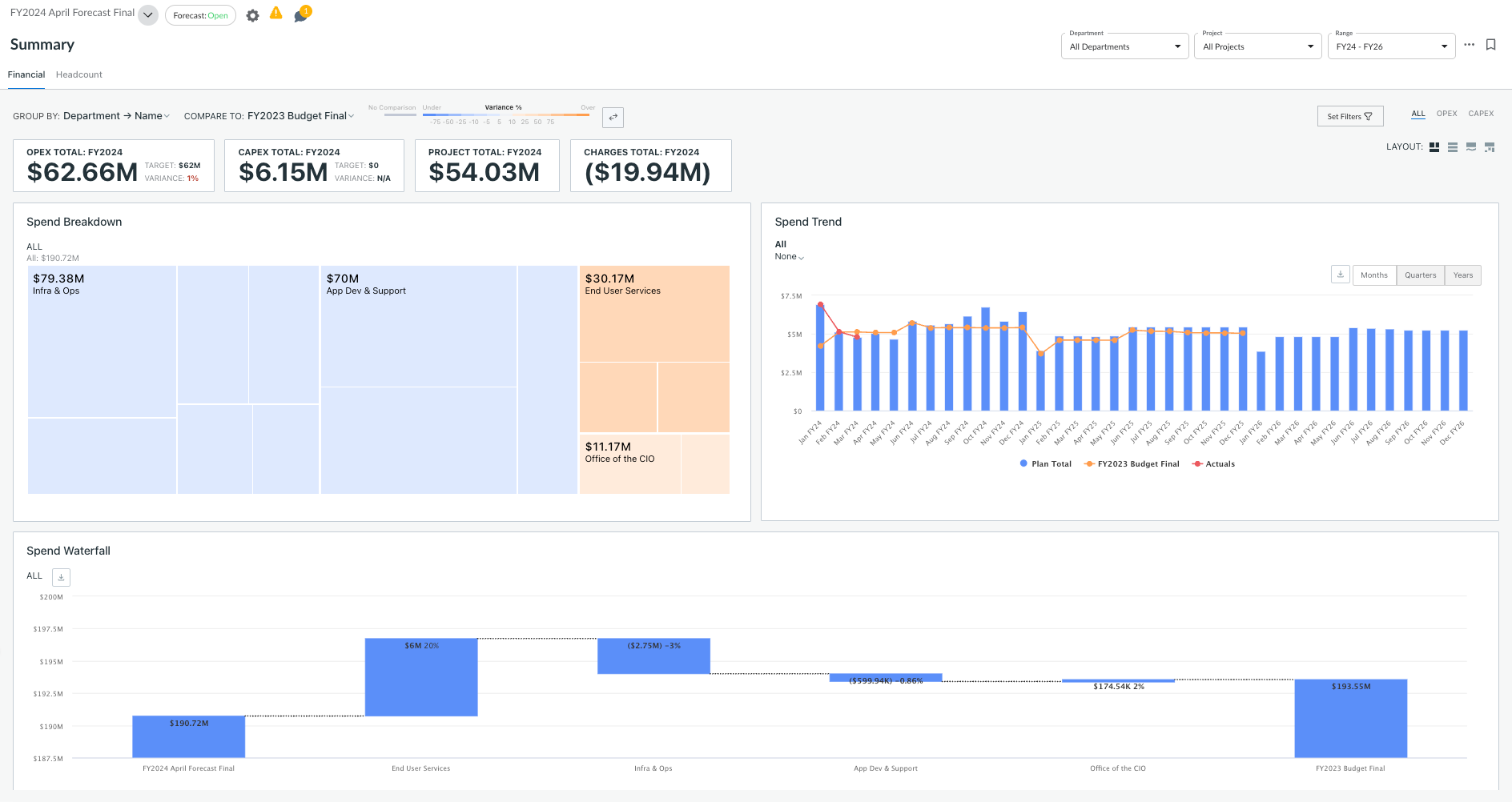
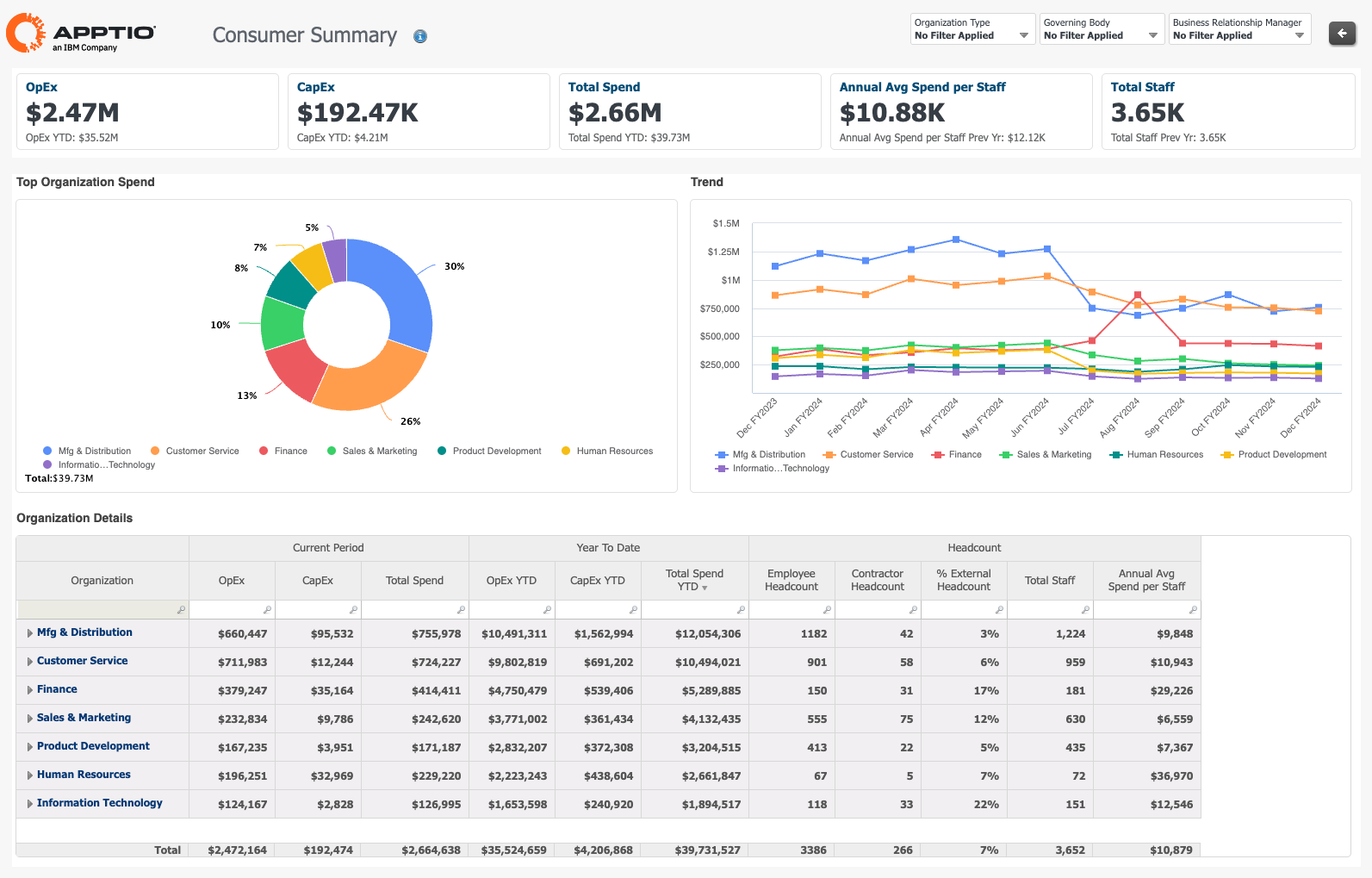
Modeling and Data ManagementVisual Modeling EnvironmentApptio’s IT Cost Modeling environment provides an easy to use, visual interface for describing relationships and allocations for the costs, utilization and operational metrics of IT services.Users can enter data manually or easily import data from multiple sources including the general ledger, spreadsheets, asset databases and support systems. Cost objects, along with estimates or formulas that govern allocations can be simply modeled to drive towards the calculation of a fully loaded unit cost for each IT service. Budget numbers can be captured in the same model so users can compare actual results to forecast. To provide better governance of the model and associated data, a comprehensive journaling system tracks all changes, who made them, when they were made and provides a robust mechanism for easily undoing unwanted changes. Users can also capture utilization and operational metrics in the same project. Server CPU utilization or datacenter rack and storage capacity can be modeled to enable the analysis of cost combined with asset utilization and capacity to identify optimization targets across the IT infrastructure. Operational metrics such as ticket resolution times and server-to-admin ratio can also be modeled and tracked over time and, when combined with the cost and utilization data, enables the Apptio offering to provide a single destination for IT performance management. IT Transparency TemplatesThe Apptio on demand offering includes a set of IT Transparency templates that capture IT cost modeling, reporting and analytical best practices associated with a collection of high level IT services. For example, a template that covers the server product types of an IT infrastructure organization includes best practices on what cost elements to include in the model, suggestions on allocation methods, key reports and analytical views and support for analysis around pre-defined “What If” scenarios.Automated Data AdministrationThe Apptio offering supports multiple methods for getting data into the system. Data can be entered manually, imported from files, or imported in an automated fashion via behind the firewall integration to existing sources of data such as the GL, asset databases, service desks, or project and portfolio management solutions.As data enters the system, sophisticated data inference algorithms help identify patterns and relationships to accelerate model creation. Weights and filters can be defined and applied to cleanse data and that logic is automatically applied to ongoing data uploads. The system readily adapts to changes in underlying data schemas over time so users can introduce new sources of data without losing the ability to compare to historical results. |